The Office Chair Adjustment Guide Most Owners Get Wrong
Buying an ergonomic chair is only the start. Most owners adjust in the wrong order — desk height first, lumbar last — and blaming the chair for it. Here is the correct order.
6 min read · Home Office Guide Team
Most Owners Adjust Backwards
When a new ergonomic chair arrives, owners typically start with the lumbar — that is the part the marketing emphasizes. This is the wrong order. Adjusting lumbar before desk height locks you into a posture the desk cannot accommodate, then you bend your wrists to compensate, then your shoulders tighten to support your arms, and finally the lumbar you so carefully set is now in the wrong place because your shoulders have pulled the spine forward by 4 cm.
The correct order is the one physical therapists in r/OfficeChairs threads consistently recommend: desk height first, then seat depth, then backrest angle, then lumbar height, then armrests, then headrest last.
This article walks through that order in detail. Most owners notice back-pain relief on the day they switch to this order, without changing chairs at all.
Step 1: Desk Height First (Almost Everyone Sets This Wrong)
Desk height determines the height of your forearms at the keyboard. Wrong desk height forces shoulders to lift or drop, which is the source of upper-back tension most owners misdiagnose as "chair problem."
How to set it correctly:
- Sit upright in the chair — pelvis neutral, lower back supported.
- Hang arms at your sides, shoulders relaxed.
- Bend elbows to 90°; forearms should be parallel to the floor.
- The desk surface should sit at the height of your forearms (top of the keyboard ~1-2 cm below forearm).
If your desk is fixed height and falls outside this range, you have two options: a height-adjustable desk or a keyboard tray. A keyboard tray is the cheaper fix.
Try the height-friendly option: Branch Standing Desk or under-desk tray.
Step 2: Seat Depth ( knees-and-seat-clearance)
How to set it correctly:
- Sit with your back against the backrest.
- The front edge of the seat pan should leave 2–3 fingers of clearance between the seat edge and the back of your knee.
If the seat is too deep, it cuts circulation at the back of the knee and causes leg numbness — frequently misdiagnosed as "bad ergonomic chair." If too shallow, the femur is not supported, creating pressure concentration.
Most ergonomic chairs have a seat-depth adjustment lever (sliding seat forward/back). The Branch Ergonomic Chair and Steelcase Gesture both support this; the Aeron does not (fixed sizes — see our Aeron Reconsidered guide).
Step 3: Backrest Angle (Recline ~10° from vertical)
How to set it correctly:
- Set backrest angle to roughly 95-105° from the horizontal (slight recline from vertical).
- Lock it. Do not let it free-float while you are typing; the backrest should be predictable.
A common mistake is to recline too far (110°+) which feels comfortable but pulls the shoulders away from the keyboard, requiring a forward lean that defeats the chair's support.
Step 4: Lumbar Height (Now You Can Set It)
Only after steps 1-3 are correct does lumbar height actually sit at the right curve of your spine.
How to set it correctly:
- Sit upright against the backrest.
- Locate the natural inward curve of your lower back (L3-L5 region).
- Adjust lumbar support so the peak of the lumbar curve sits in that natural curve.
- Adjust lumbar depth/intensity last. Many owners set the lumbar aggressive. Lower-to-medium lumbar depth is more often correct; aggressive lumbar becomes painful over 4+ hours.
r/OfficeChairs pro-tip: "If the lumbar is painful after a few hours, remove it entirely or lower its intensity. Many Steelcase Gesture users (per threads) actually disable the lumbar."
Step 5: Armrests (Width, Then Height)
Armrests support the shoulders. They should hold the forearms without raising the shoulders.
Order:
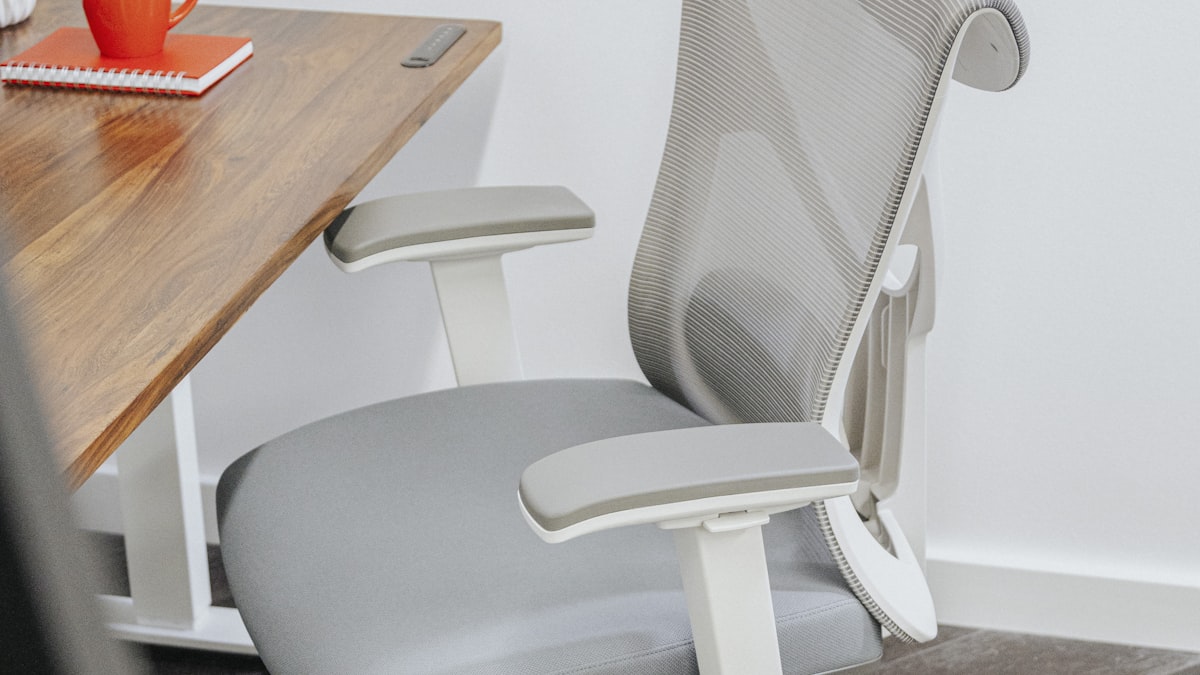
- Width: set armrests so they sit directly under your elbows with arms naturally dropped — not pushing elbows outward, not pressing them inward.
- Height: lower armrests until your shoulders are fully relaxed and forearms rest on them without shoulder lift.
Most owners set armrests too high. Test by dropping your shoulders toward your hips — if the armrests feel "lifted," they are too high.
The Steelcase Gesture has the broadest armrest-width and rotation adjustability we have tested.
Step 6: Headrest Last (and Often Not At All)
Headrests are the most over-rated chair feature. r/OfficeChairs "Better Posture Hurts?" threads reveal headrests pushing the head forward in many chairs — which is a head-position regression.
Headrest advice:
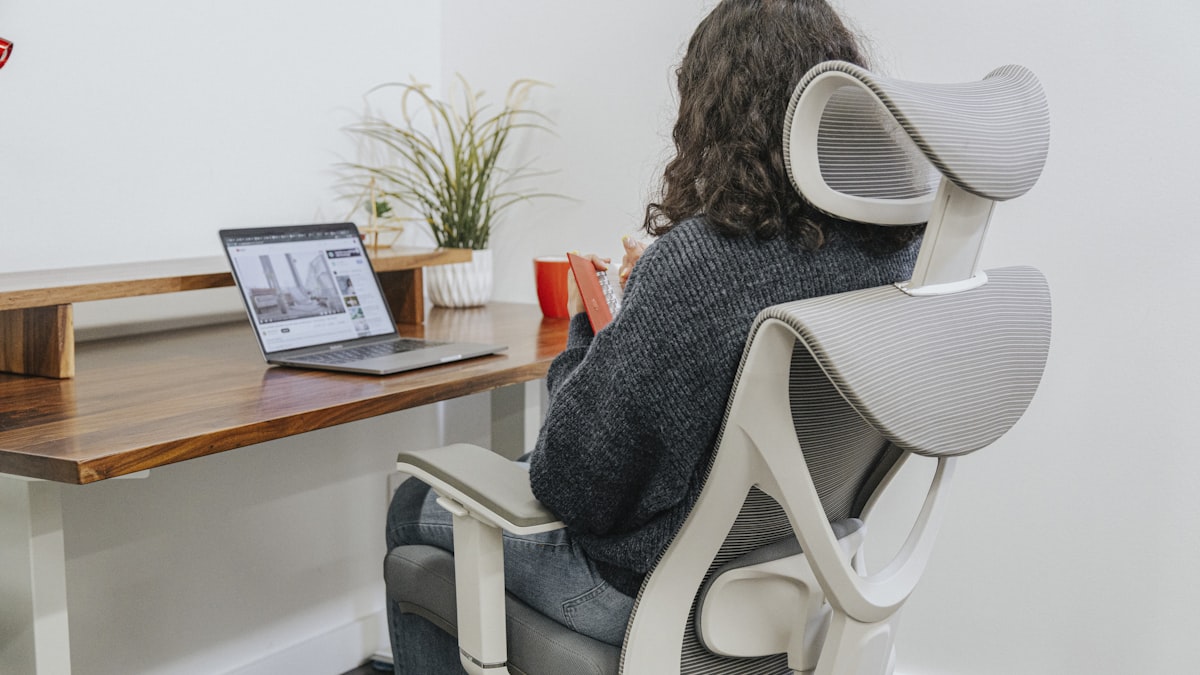
- If your chair has a headrest, set it so that when you recline only (not while typing), the back of your head touches it lightly.
- If the headrest pushes your head forward while typing, it is set wrong. Lower it or remove it.
- For most typing positions, headrests should not be in contact with your head at all.
Aeron has no headrest by design — and many ergonomic therapists consider that a feature.
Why the Order Matters: A Worked Example
A 5'11" / 175 lb user with mild mid-back pain set up the chair in the wrong order:
- Started with lumbar at aggressive intensity.
- Set armrests high to feel "supported."
- Set desk to fit existing armrest position.
Result: shoulders lifted, spine curved to compensate, lumbar curve was hitting L2 instead of L4. Two weeks of mid-back pain.
Resetting in the correct order (desk first, then seat, then back, then lumbar → reset to medium, then armrests lowered 3 cm, headrest removed) eliminated the pain within 3 days. Same chair. Different order.
FAQ
How often should I re-adjust my chair?
Adjust once initially. Re-adjust every 6-12 months because of posture drift, muscle tone changes, and seat-cushion wear. The desk-relation adjustment matters more than the chair itself.
What if my desk is too high and I cannot change it?
Use a footrest to support your feet while leaving the desk at keyboard height, plus a chair raised to forearm height. Most users do not raise the chair high enough because the feet dangle; a $20 footrest solves this.
Why does the lumbar sometimes cause more pain?
Two reasons: (1) it is set too high (L2 instead of L4) — the seat not yet properly fitted at the back; (2) it is set too aggressive — most users need medium intensity, not "support" intensity.
Should I use a lumbar support cushion if my chair has no lumbar?
Often this is a worse fix than fixing the backrest angle. A lumbar cushion moves the spine forward without supporting the upper back. Try changing backrest recline (Step 3) first.
What is the most under-appreciated adjustment?
Seat depth (Step 2). Most owners never adjust it. If you have unexplained knee or numb-thigh discomfort, check the back-of-knee clearance first.
The Verdict
Adjustment order matters more than which chair you bought. Desk height → seat depth → backrest angle → lumbar height (medium intensity) → armrest width → armrest height → headrest last or not at all. Run that order tonight without changing your chair; most readers in r/OfficeChairs see relief the same week.
Last updated: July 2026.